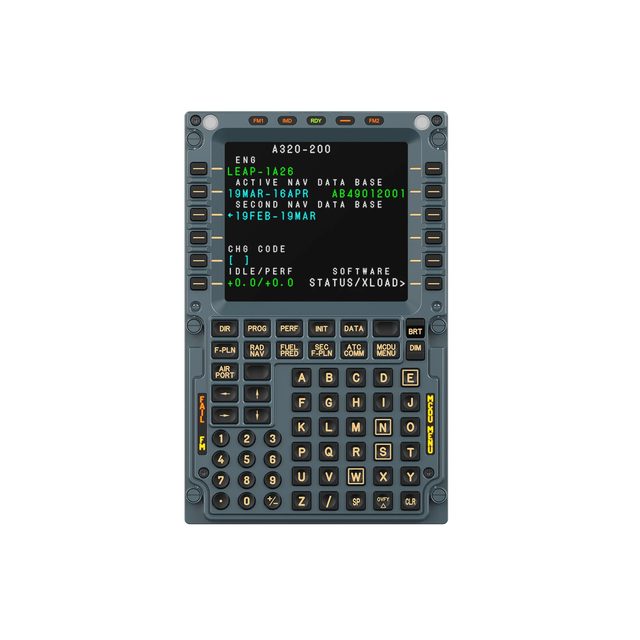
MA3F FCDA320-style MCDU: 5.1-inch IPS, die-cast aluminium front, USB-C
An A320 MCDU with real keys
- 5.1inchIPS display
- 588gUnit weight
- 3pagesWhiteboard pages
- 75×75mmVESA mounting
1-month GEEKSHOP warranty · Pre-order — no payment now
Enter the flight plan with your fingers, not the mouse
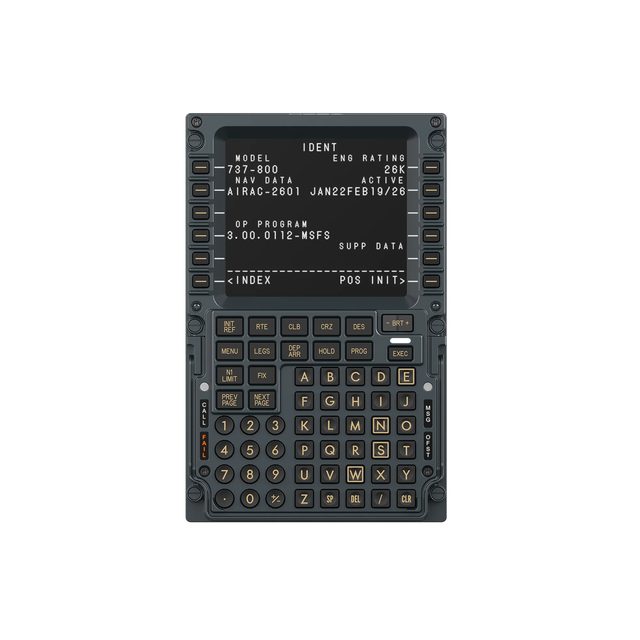
The MA3F Flight Computer Display is a desktop flight-management unit styled after the Airbus MCDU. It renders the simulator's FMS pages on its own screen and takes input from a physical keypad, so pre-flight setup, route entry and takeoff performance are no longer mouse work on your monitor. The screen is a 5.1-inch IPS panel with crisp small type, and the font style can be matched to a particular add-on or to your own preference. The front housing is die-cast aluminium alloy; the keys use high-force dome switches under rigid, high-hardness silicone caps, giving a short travel, an unambiguous break and very little wobble or accidental actuation. Screen brightness, character illumination and status lighting adjust independently and sync to telemetry through MOZA Cockpit. Beyond the FMS pages, the firmware adds a built-in checklist and three whiteboard pages, so the unit doubles as a working tool in flight. It connects with a single USB Type-C cable (USB 2.0, 5 V / 900 mA) and targets the PC. Mount it on the included desktop stand or on a standard 75 × 75 mm VESA bracket.
- 01
An MCDU you actually press
Setting up an Airbus for departure is dozens of key presses: INIT, F-PLN, PERF, RAD NAV. On a monitor each one means aiming a cursor. The MA3F moves that work onto a real keypad: the letter and number rows, the line-select keys down the sides and the function keys along the top sit exactly where they do on the real unit.
- 02
A cast front and firm keys
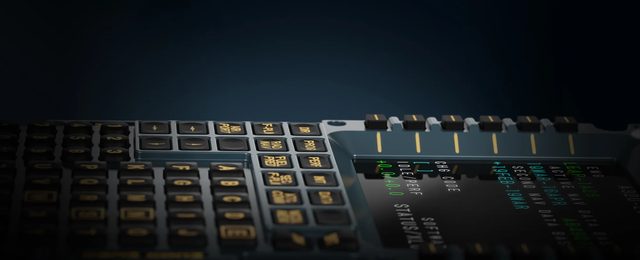
The front housing is die-cast aluminium alloy with a finished surface — it does not flex under your fingers or rattle during fast entry. Under the caps are high-force dome switches: the actuation force is noticeably above an office keyboard, so each key gives an unambiguous response and neighbouring keys are not caught by accident.
- 03
Checklist and notepad on the unit itself
Alongside the FMS pages, the unit carries a built-in checklist and three whiteboard pages. A takeoff clearance, frequencies, an assigned level or a temporary restriction can be written down on the panel itself, without minimising the simulator or keeping a second screen of text beside you.
- 04
Lighting that matches the cockpit
Screen brightness, character illumination and status lighting are adjusted separately, so the unit reads equally well by a window in daylight and in a dark room on a night sector. Through MOZA Cockpit the lighting binds to telemetry and moves together with the rest of the rig.
- 05
On the desk or on a bracket
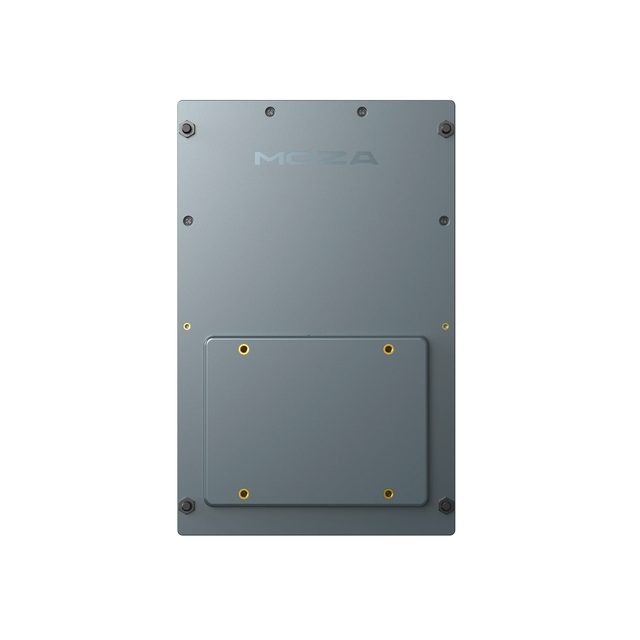
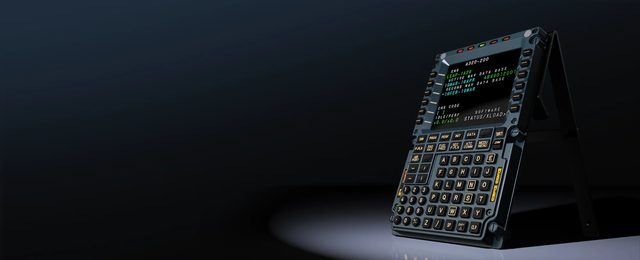
A desktop stand is included — set the unit down to the left of your keyboard and start flying. If your cockpit is built on profile, the back carries standard 75 × 75 mm VESA holes, and the MA3F goes onto any compatible bracket next to the rest of the modules.

Compatibility
PC (Windows), configured in MOZA Cockpit. Simulators: Microsoft Flight Simulator 2020 and 2024, X-Plane 11 and 12. At launch MOZA lists the Airbus A320/A330 family and popular add-ons: Fenix A320/A321/A319, Toliss A320/A321/A319, FlyByWire A32X, FlightFactor A320 Ultimate. The aircraft list grows with MOZA Cockpit updates. For the Boeing 737 there is a separate MB7F unit.
In the box
- MOZA MA3F Flight Computer Display unit
- Desktop stand
- USB Type-C cable, 1.5 m
- Airbus FMS pages on a dedicated screen
- Die-cast aluminium front, firm keys
- Built-in checklist and three whiteboard pages
- One USB-C cable, desktop stand included
Specifications
- Screen
- IPS, 5.1-inch
- Font
- Style customisable per add-on or personal preference
- Lighting adjustment
- Screen brightness, character and status lighting, each independent
- Synchronisation
- Telemetry-based lighting sync via MOZA Cockpit
- Switches
- High-force dome switches, rigid high-hardness silicone caps
- Key feel
- Definite actuation, minimal wobble
- Checklist
- Built into the firmware
- Whiteboard pages
- 3
- Dimensions
- 277.9 × 145.5 × 29.6 mm
- Materials
- Die-cast aluminium alloy, ABS, PC
- Weight
- 588 g
- Connection port
- USB Type-C (USB 2.0)
- Power
- 5 V, 900 mA over the same USB cable
- Mounting options
- Desktop stand, 75 × 75 mm VESA
- Platform
- PC
- Simulators
- Microsoft Flight Simulator 2020 / 2024, X-Plane 11 / 12
- Add-ons at launch
- Fenix A320 / A321 / A319, Toliss A320 / A321 / A319, FlyByWire A32X, FlightFactor A320 Ultimate
- Software
- MOZA Cockpit
- Part number
- AS025
- EAN
- 6973137271558
Specs as published by MOZA
Questions
Which aircraft is this unit for?
The MA3F reproduces the Airbus MCDU. At launch MOZA lists the A320/A330 family and the Fenix A320/A321/A319, Toliss A320/A321/A319, FlyByWire A32X and FlightFactor A320 Ultimate add-ons. For the Boeing 737 there is a separate MB7F unit.
Does it need a separate power supply?
No. The unit draws power from the same USB Type-C cable that connects it to the PC: 5 V, 900 mA. A 1.5 m cable is included.
How does the MA3F differ from the MA3F EFCM modules?
They are different devices in the same line. The MA3F Flight Computer Display is the MCDU itself: screen plus full keypad. The MA3F EFCM units are separate flight-control modules with switches and indicators. They complement each other and are configured in the same MOZA Cockpit software.
How is the preorder placed?
The unit is supplied to order. You place a request, a GEEKSHOP manager contacts you and confirms it — after confirmation, delivery takes about a month.
The YouTube video loads only after you click.
No customer reviews yet — and we do not make them up.
MA3F FCD
We do not take payment now. A GEEKSHOP manager will contact you to confirm availability, the delivery date and payment.
1-month GEEKSHOP warranty · Delivery across Uzbekistan — quoted by the manager